How do I find my PHP version?
Print- 1
- Log in to your cPanel account.
- On the right-hand side under the "Stats" section, find the row labeled "PHP version". This displays the PHP version currently in use.
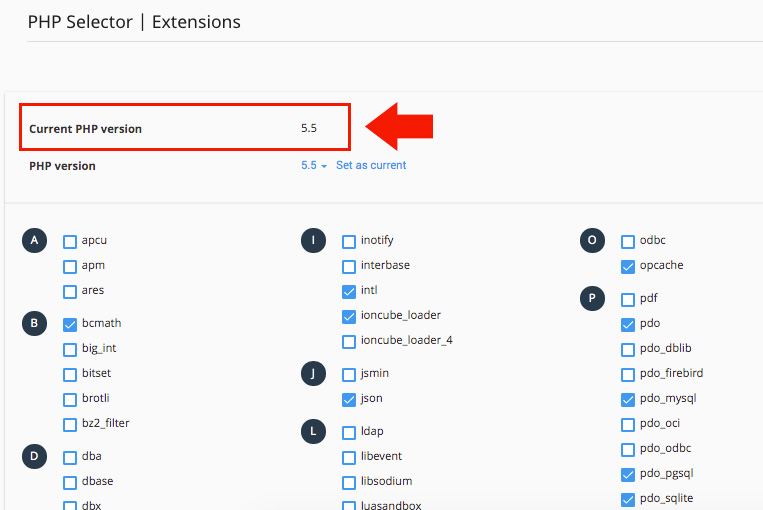
Note: If you have modified your PHP version using the "Select PHP Version" option in cPanel, you can click on that icon to view the currently active PHP version.
Was this answer helpful?
Related Articles
How do I backup my cPanel account? Log in to your cPanel account. Find and click the "Backup Wizard" option under the "Files"...
How do I change my cPanel Password? To update your cPanel password, it is important to make the change from your client area instead...
How do I change my cPanel theme? Log in to your cPanel account. Find and click the "Change Style" option under the...
How do I change my language in cPanel? Log in to your cPanel account. Find and click the "Change Language" option under the...
How do I change the version of PHP I am using? The PHP Selector allows you to choose and manage different PHP versions for your account. Keep in...
Powered by WHMCompleteSolution

