How do I create an email account in cPanel?
Print- 0
1. Log in to your cPanel account.
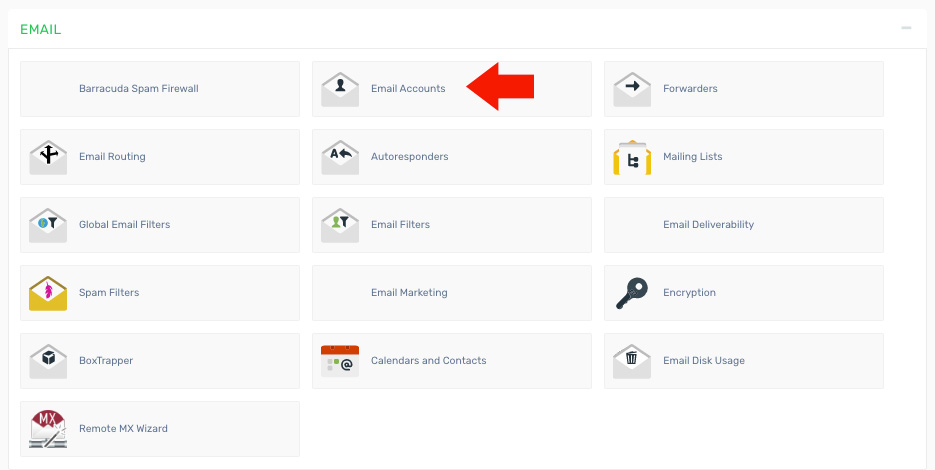
2. Find and click the "Email Accounts" option under the "Mail" section.
3. Enter the required details:
- Email - Specify the name for the new email account.
- Password - Enter a secure password.
- Password (again) - Re-enter the password for confirmation.
- Mailbox Quota - Choose the storage limit for the email account.
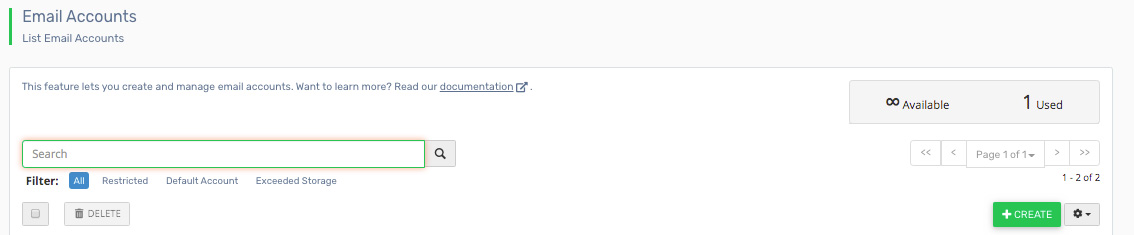
4. Click the "Create Account" button to set up the new email account.
Was this answer helpful?
Related Articles
How do I access my webmail? Webmail can be accessed using the following URL: http://yourdomain.com/webmail Note:...
How do I change my email password? If you know your email password: Log in to your webmail account. On the main page, click...
How do I configure my Default Address? 1. Log in to your cPanel account. 2. Find and click the "Default Address" icon under the "Mail"...
How do I create a mailing list? 1. Log in to your cPanel account. 2. Find and click the "Mailing Lists" option under the "Mail"...
How do I create an email filter for a specific user? 1. Log in to your cPanel account. 2. Find and click the "Global Email Filters" option under the...
Powered by WHMCompleteSolution

