How do I access cPanel?
Print- 1
cPanel can be accessed by using either of the URLs below:
- www.yourdomain.com/cpanel
- www.yourdomain.com:2082
- www.yourdomain.com:2083 (secure)
- http://yourIP:2082
- http://yourIP:2083 (secure)
Note: www.yourdomain.com is your actual domain name (the URL of your website) and yourIP is the IP address of server your website is hosted on.
If you were able to connect successfully, you should see a login screen similar to this one:
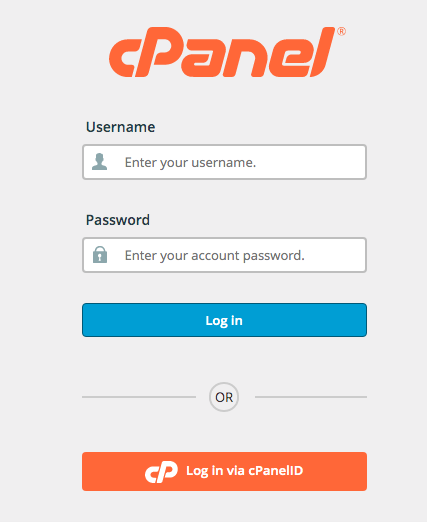
If you have forgotten your cPanel login credentials, you can reset them in your client area. If you require assistance, feel free to contact technical support.
Was this answer helpful?
Related Articles
What is an entry process and what does it mean? If you log into cPanel, you will see on the right hand side "Number of Processes" with a number...
What do my cPanel stats mean? Within cPanel, there are numerous statistics listed on the left of the screen. Main Domain -...
What's the fastest way to transfer files? The File Manager is good if you need to upload just a couple of files quickly, but if you are...
How do I install Wordpress / Joomla (or any other type CMS)? We have incorporated the use of the "Installatron Applications Installer" which makes installing...
How do I interpret access logs? How do I interpret access logs? When viewing an access log, there are many different...
Powered by WHMCompleteSolution

