• Home
  • Domains
    • Register Domain
    • Transfer Domain
  • Hosting
    • NVMe Server Hosting
    • WordPress Hosting
  • Professional Email
  • Blog
  • Contact
  • Home
  • Domains
    • Register Domain
    • Transfer Domain
  • Hosting
    • NVMe Server Hosting
    • WordPress Hosting
  • Professional Email
  • Blog
  • Contact
  • Home
  • Domains
    • Register Domain
    • Transfer Domain
  • Hosting
    • NVMe Server Hosting
    • WordPress Hosting
  • Professional Email
  • Blog
  • Contact
  • Home
  • Domains
    • Register Domain
    • Transfer Domain
  • Hosting
    • NVMe Server Hosting
    • WordPress Hosting
  • Professional Email
  • Blog
  • Contact
User
Panel
Cart
email
  • Nov 09, 2026
  • Professional Email

How to Write a Professional Email: Simple Rules to Follow

Emails are a primary way of communicating for many people, it is considered as more professional and sophisticated. When contacting someone related to employment, a business venture or s customer service issue, emails are preferred over phone calls.

Why business emails should be professional?

Emails are legal documents that can be used in court as evidence which is why you must be sure of what you are putting in it. Everything that comes out of your computer can be used against you in the court of law so make sure to put precise and relevant information while sending someone an email. If you are afraid that something might be released to the public then don’t put it in the email.

Make sure to proof read your email before sending it because any action taken on the basis of information contained in that email can haunt you in the court and can be used against you whether or not you wrote it intentionally or unintentionally which is why you must pay attention to what your write in an email. Also unedited emails reflect the non-professionalism from your side.

Etiquettes for writing a professional Email

Emails sent to family and friends are considered different from the ones that are sent for professional correspondence. Business emails can’t be turned into chats, they are supposed to be treated as professional and contain certain etiquette that must be followed in order to maintain a professional email between the sender and the receiver. Some of the etiquettes are listed below;

  • Return emails in the given time frame
  • Choose a subject line that tells the reader about the action that you require from their side.
  • Write in a professional tone and avoid using to many capital letters.
  • Check for spelling, punctuation and grammar errors.
  • Your email should be readable thus use a readable font and point size
  • Do not send huge attachments which may clog the business system and also mention when sending an attachment otherwise they might get unnoticed.
  • Make sure to write proper recipients on the email
  • Don’t reply to an email when angry
  • Use a professional language and avoid emotions and phrases like LOL.
  • Make your email concise and clear

Categories
  • Domains
  • eCommerce
  • Professional Email
  • Web Hosting
  • Website Performance

Fast Hosting built for growing businesses

High-performance NVMe SSD hosting gives your business the speed and reliability it needs every day. Keep your website loading fast, running smoothly, and protected with a free SSL certificate included with your hosting.

View Hosting Plans

It starts with domain name

Build your online identity with a domain name that is easy to manage and ready for your business journey.

Search Domains

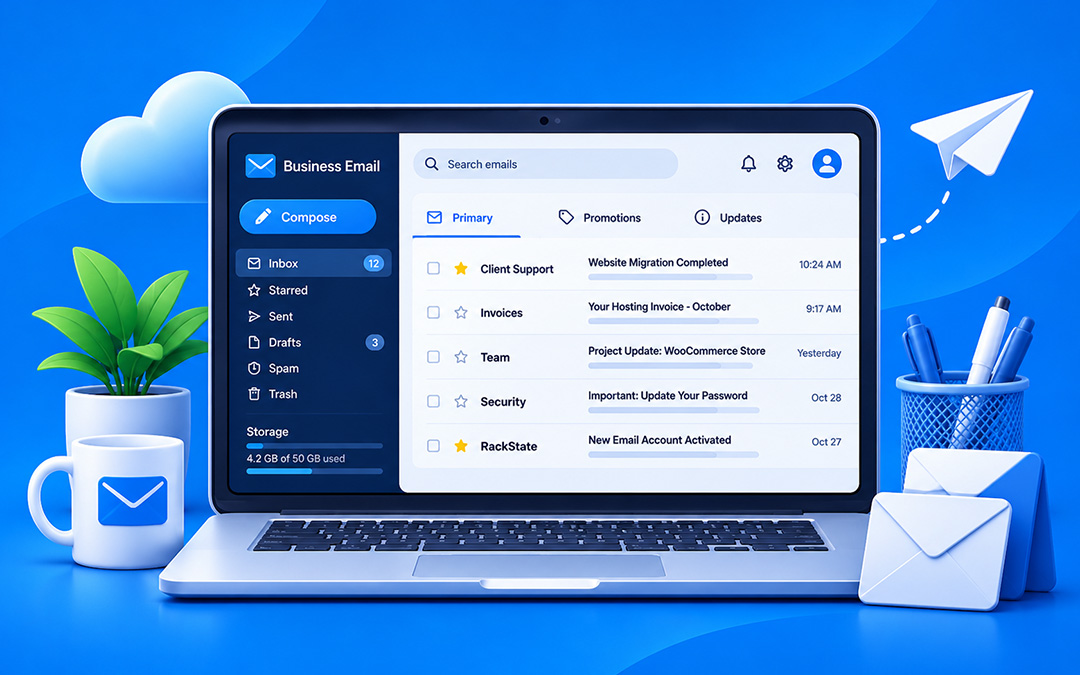
Professional email that builds trust in your brand

Create branded email addresses using your own domain and give your business a more professional identity.

Branded email @yourdomain
Pay for Storage, Not Users
Only Inbox, No Junk
Explore Plans

WordPress hosting,
without the hassle

WordPress hosting made simple, launch in one click, free migration, built-in security, staging, and easy theme & plugin management from a secure, optimized environment.

Explore WordPress Hosting

You may also like

  • Web Hosting
A Beginner’s Guide to SSL Certificates & How They Work
Read more
  • Domains
A Simple Guide to Domain Names: Buying, Setting Up, and Transferring
Read more
  • Website Performance
Ways to boost engagement of your website
Read more
  • eCommerce
WooCommerce Development for Small Businesses: From Setup to Scale
Read more

Your Digital Infrastructure Partner

From cafés and boutiques to studios, stores and startups — RackState helps all type of businesses to stay online, secure and grow.

Contact Us
+91 85 9090 4070
support@rackstate.com
Our Solutions
  • NVMe Server Hosting
  • WordPress Hosting
  • Professional Email
  • Register Domain
  • NVMe Server Hosting
  • WordPress Hosting
  • Professional Email
  • Register Domain
Quick Links
  • Shopping Cart
  • Customer Area
  • Server Panel
  • Support Ticket
  • Shopping Cart
  • Customer Area
  • Server Panel
  • Support Ticket
Social
X-twitter Linkedin-in Facebook
© 2026 RackState®. All Rights Reserved.
  • Privacy Policy
  • Terms and Conditions
  • Disclaimer
  • Privacy Policy
  • Terms and Conditions
  • Disclaimer
top