What is a SSL Certificate?
Secure Socket layer is a standard security technology that is used to establish an encrypted link between the server and the client which typically is the webserver and the browser. The technology allows sensitive information such as credit card details and social security number to be transmitted securely between the browser and the server.
SSL secures the data of millions of people every day on the internet. This security protocol determines the variables of the encryption for both the link and the data that is being transferred. In order to provide secure transactions on the internet the websites need to install a SSL certificate in order to establish a secure connection.
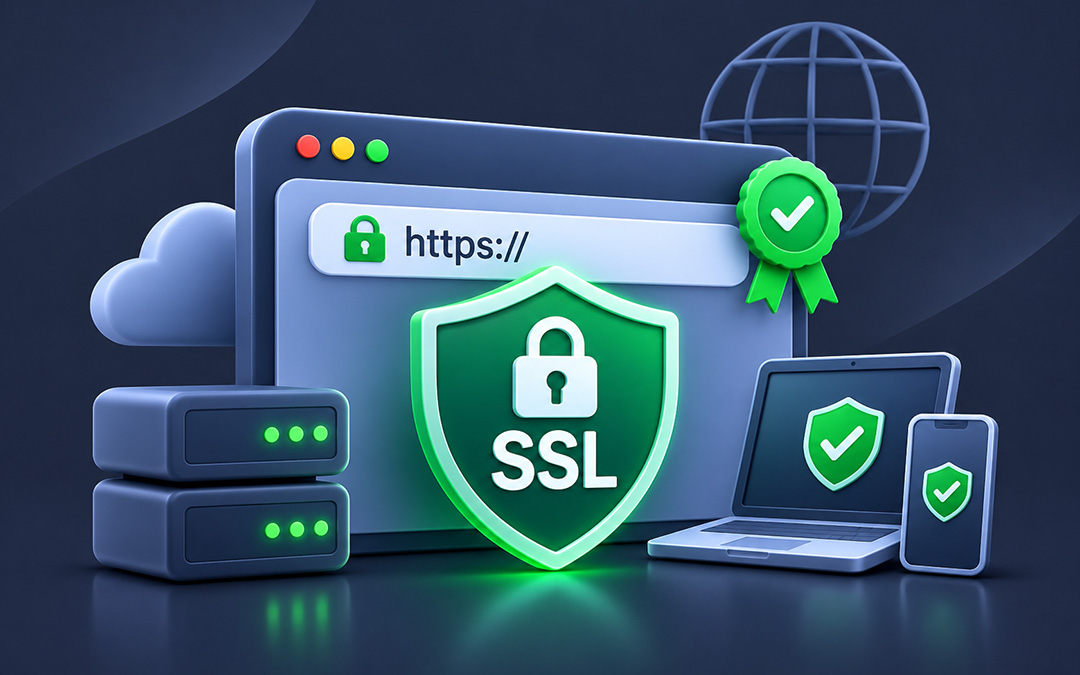
Online businesses aim to provide their users with a trusted environment which means making them feel secure while they make online purchases. This is where the SSL Certificate comes in and establishes a secure connection. In order to check the security of website you would find a lock icon or a green bar at the left side of the URL.
How does the SSL Certificate works?
When the browser tries to access a website that is secured through SSL, the browser and the web server perform something called a SSL handshake that allows them to establish a connection. The handshake consist of 3 keys; public, private and session key. Public key can decrypt the data from private and vice versa. The processing of data from public to private creates a session key. This session key then encrypts all the data that has being transmitted. The role of the server and the browser is described below;
- Browser
When connecting with a SSL server, it requests the server to identify itself.
- Server
Server in response sends a copy of SSL Certificate which also includes the public key of the serve.
- Browser
Checks the serve root against the CAs and if it accepts it then sends back a symmetric session key using the server’s public key.
- Server
It decrypts the session key using its private key and sends back an acknowledgment encrypted with the session key.
- Session key
It encrypts the transmitted data for the server and the browser.